
Your Cart
Loading

Microsoft Designer - Revoluntionizing Visual Content Creation

Welcome to the world of Microsoft Designer, an innovative and AI-powered graphic design application that promises to revolutionize the way you create visual content. Whether you're a seasoned designer or a complete novice, Microsoft Designer is designed to make the process of creating stunning graphics, social media posts, invitations, and more, both easy and enjoyable. In this blog post, we'll explore the features, benefits, and how you can get started with Microsoft Designer.


What is Microsoft Designer?

Microsoft Designer is an AI-powered, cloud-based graphic design tool that leverages advanced artificial intelligence to help users create visually appealing content effortlessly. The application is part of Microsoft's suite of productivity tools and is designed to cater to a wide range of design needs, from social media posts and invitations to digital postcards and graphics.


One of the standout features of Microsoft Designer is its integration with cutting-edge AI technologies, including DALL.E 3 and GPT 3.5. These integrations allow users to generate unique designs and receive personalized recommendations based on their input. You can start with your own images or ideas, and Designer will generate custom layouts, new images, and even clever captions and hashtags to enhance your design.


But that's not all. Microsoft Designer also offers advanced tools for refining your designs, such as adding motion effects to static posts to create compelling short video reels or stories. The generative AI capabilities extend to editing features like generative erase, which uses the Segment Anything Model (SAM) to help you easily remove unwanted areas from your images.


Key Features of Microsoft Designer


AI-Powered Design Generation

One of the most exciting aspects of Microsoft Designer is its ability to generate designs based on simple text prompts. You can describe what you want to create, and the AI will generate a variety of design options for you to choose from. This feature is particularly useful for those who may not have a background in design but still want to create professional-looking graphics.


Collage Creator

The Collage Creator feature allows you to create beautiful collages from up to 10 uploaded images. You can add personalized AI-generated frames and customize the collage with descriptions of objects or themes. This feature is perfect for creating memorable photo collages for events, social media, or personal keepsakes.


Generative Erase

Generative Erase is a powerful tool that helps you remove unwanted objects or areas from your photos. Whether you want to clean up a cluttered background or remove an unwanted photobomber, this feature makes it easy to achieve a polished look. You can use quick select for auto-selecting the erase area or brush select to manually draw a mask on the photo.


Greeting Cards and Invitations

Microsoft Designer also excels in creating personalized greeting cards and invitations. By simply describing the type of card or invitation you want, the AI will generate a variety of options complete with AI-generated images and messages. This feature is ideal for creating custom invitations for events or heartfelt greeting cards for special occasions.


Replace Background and Restyle Image

The Replace Background feature allows you to transform your still life photos by replacing the background with a new AI-generated scene. This is particularly useful for product photography or creating themed images. The Restyle Image feature lets you apply different styles to your images, giving them a fresh and unique look.


Getting Started with Microsoft Designer


Accessing Microsoft Designer

To get started with Microsoft Designer, you'll need to access the web-based application. You can visit the official Microsoft Designer website and sign in with your Microsoft account. The application is currently available in English and is in the preview phase, which means it's free to use, but some features may require a paid Microsoft 365 subscription in the future.


Creating Your First Design

Once you're logged in, you can start creating your first design by selecting a template or starting from scratch. The intuitive interface makes it easy to upload images, add text, and customize your design with various elements and styles. The AI-powered suggestions and design ideas will help you along the way, ensuring that your final product looks professional and polished.


Exploring Advanced Features

As you become more comfortable with Microsoft Designer, you can explore its advanced features like motion effects, generative erase, and background replacement. These tools will allow you to take your designs to the next level and create truly unique and eye-catching visuals.


Why Microsoft Designer is a Game-Changer


Accessibility for All Skill Levels

One of the most significant advantages of Microsoft Designer is its accessibility. You don't need to be a professional designer to create stunning visuals. The AI-powered tools and user-friendly interface make it easy for anyone to produce high-quality designs, regardless of their skill level.


Time-Saving and Efficient

In today's fast-paced world, efficiency is key. Microsoft Designer helps you save time by automating many of the design processes. Whether you're creating social media posts for your business or personal projects, you can achieve professional results in a fraction of the time it would take using traditional design software.


Integration with Microsoft Ecosystem

As part of the Microsoft suite of tools, Designer seamlessly integrates with other Microsoft applications like OneDrive and Microsoft Edge. This integration allows for easy sharing and collaboration, making it a valuable addition to your productivity toolkit.


Conclusion

Microsoft Designer is a powerful and innovative tool that democratizes the world of graphic design. With its AI-powered features, user-friendly interface, and seamless integration with the Microsoft ecosystem, it offers a unique solution for creating stunning visuals quickly and easily. Whether you're a business owner looking to enhance your marketing materials or an individual wanting to create beautiful invitations and greeting cards, Microsoft Designer has something to offer.


So why wait? Dive into the world of Microsoft Designer today and discover how easy and fun graphic design can be.


Happy designing!
More Articles You Want to Read

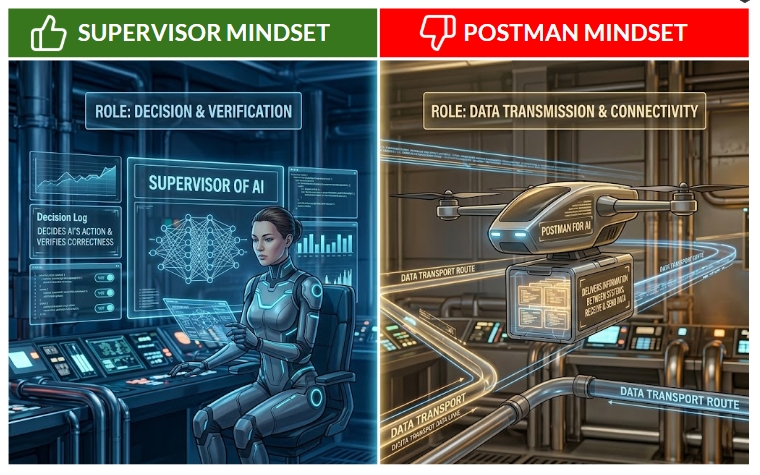
From Postman to Supervisor: How the SLATE Framework Protects Your Value in the AI Workplace
If you’ve been reading the headlines lately, the narrative surrounding AI and job displacement can feel incredibly daunting. We are constantly told that AI is coming for our jobs. However, recent insights on the critical role of human oversight in A...
Read More
ChatGPT Ads: What's Changing, What's Not, and What You Control
If you’ve checked your inbox recently, you might have spotted a notification from OpenAI regarding a Privacy Policy update. As of September 2026, OpenAI is officially introducing ads to the Free and Go tiers of ChatGPT. For many, this marks a pivota...
Read More
GPT-5.6: The View from the Free Tier and the Anxiety of Being Left Behind
OpenAI’s latest release, GPT-5.6, is being heralded as a major leap in reasoning, autonomy, and multimodal capabilities, promising to redefine how we interact with artificial intelligence. You can read the official technical breakdowns on the OpenAI...
Read More
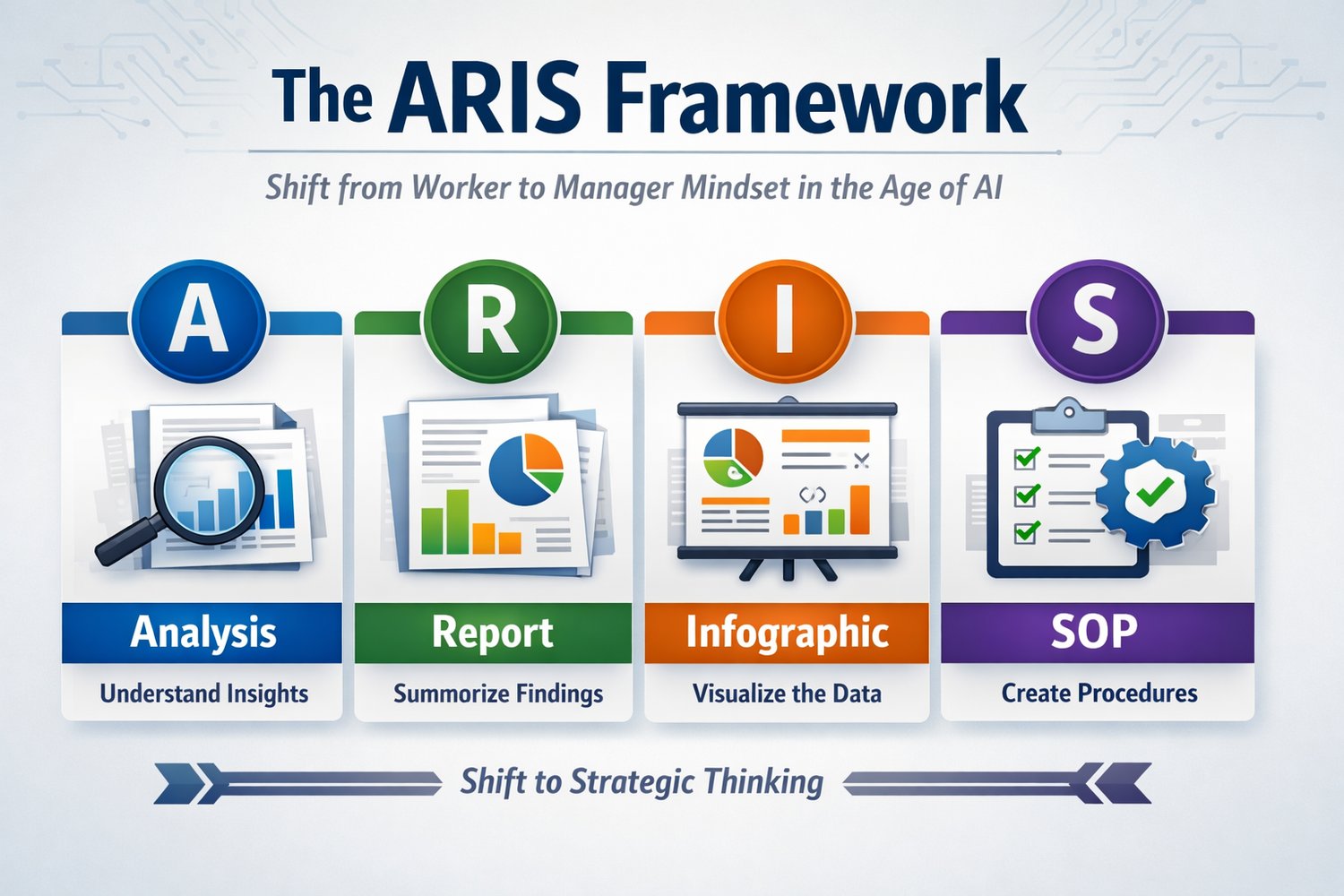
The ARIS Framework: Your Blueprint for Thriving in an AI-Driven Workplace
If an AI can draft your reports, summarize your meetings, and crunch your data in seconds, what exactly is your unique value to the organization? Are you leveraging these tools to build strategic systems, or just using them as a faster typewriter to...
Read More
The Helicopter Parent of AI: Anthropic’s Fable 5 Redeployment and the New Era of AI Safety
Anthropic has globally redeployed its advanced Claude Fable 5 model alongside newly detailed cybersecurity safeguards and a draft framework for evaluating jailbreak severity, following a temporary pause for export control compliance. If you have bee...
Read More
The Shift from AI to Agentic AI: Why Your "Good Enough" is Not Good Enough
If you look around your office—or your Whatsapp chats—you might notice something strange. Despite the headlines screaming about the "AI Workflows," despite the reports of agentic AI rewriting job descriptions overnight, most people are... ju...
Read More
Stop Prompting, Start Directing: How to Keep Your Job When AI Agents Take Over
It’s late April 2026. The dust is settling on what industry insiders are calling the "Automation Surge." If you’ve opened LinkedIn or your company Slack this month, you’ve seen it: the sudden, aggressive rise of agentic AI. These aren’t the chatbots...
Read More
Google's New Desktop App Is Here—And It's Quietly Changing How We Work
Google's New Desktop App Is Here—And It's Quietly Changing How We Work Source: Google has officially launched its new desktop app, now available for download at search.google. The app brings unified search, AI assistance, and cross-app workflow supp...
Read More
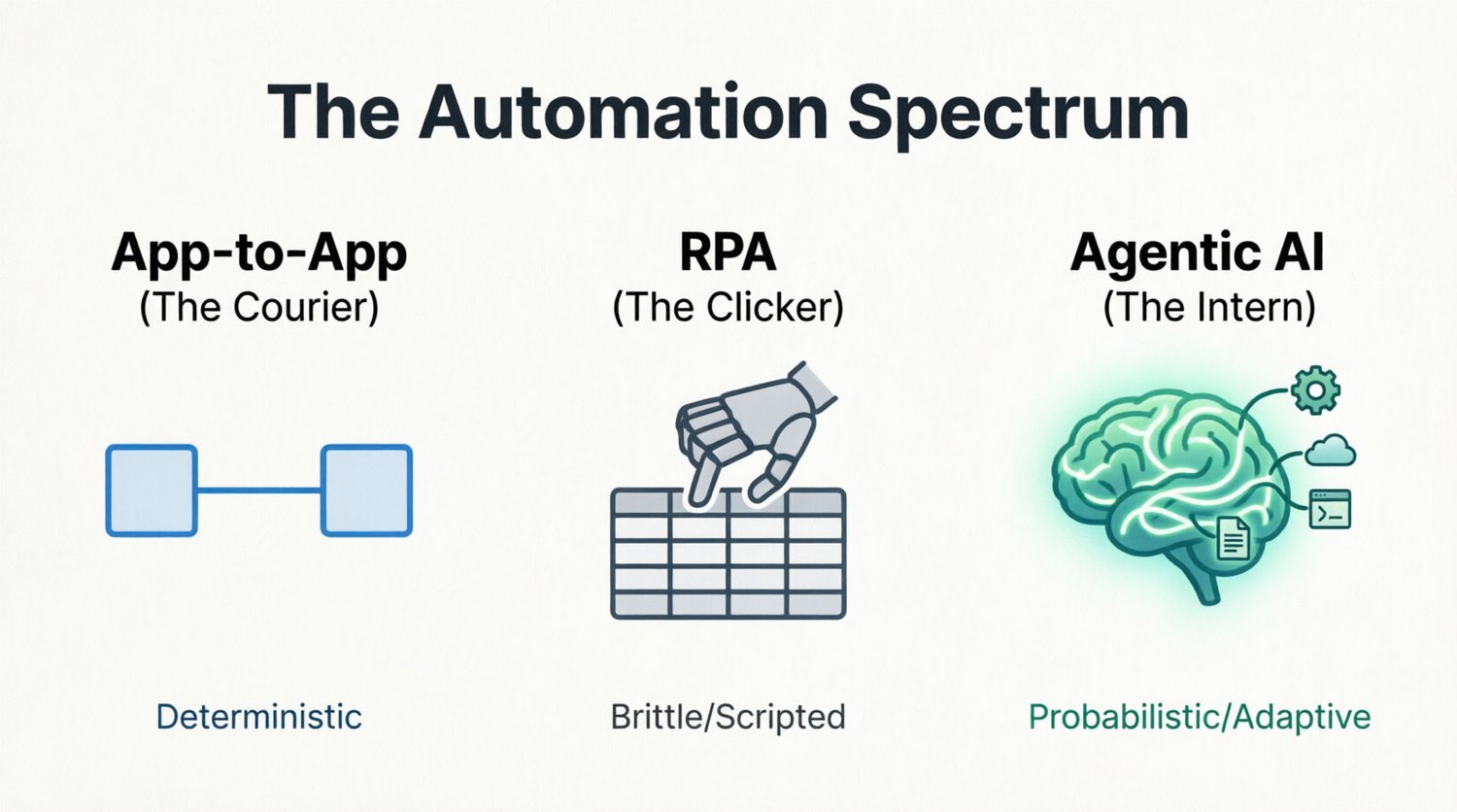
The AI Automation Spectrum
The Automation Identity Crisis: Understanding The AI Automation Spectrum
We’ve all heard the pitch: "AI will automate your work." It’s a promise that sounds like magic—press a button, and the drudgery disappears. But if you’ve actually tried to implement this in a real-world office environment, you’ve likely hit a wall o...
Read More
Scribe: The AI Documentation Tool That Writes Your SOPs While You Work
Let's be honest—nobody enjoys writing process documentation. It's time-consuming, often outdated before it's even published, and let's face it, a bit soul-crushing. But what if your computer could watch what you do and automatica...
Read More
Clipdrop - create sunning visuals in seconds
Clipdrop by Jasper: AI-Powered Image Editing That Actually Delivers, with Ease
If you've ever spent hours wrestling with Photoshop or paid a fortune for a graphic designer just to remove a background or resize an image, Clipdrop by Jasper might feel like magic. This AI-powered visual creation platform promises to help you "cre...
Read More
Gemma 4 Launched
Gemma 4 Launched: Why This Might Be the Workflow Automation Game-Changer
If you've been watching the open-source AI space closely, you already know today is a big day. Google just released Gemma 4—their most intelligent open models to date—and the timing couldn't be better for developers who want to build real, practical...
Read More
Google Vids Just Got a Major AI Upgrade—And It Might Be the Video Tool You've Been Waiting For
Google just announced a suite of powerful AI updates to Google Vids, integrating Veo 3.1 for free high-quality video generation, Lyria 3 for custom music creation, and fully customizable AI avatars—all designed to lower the barrier to professional v...
Read More
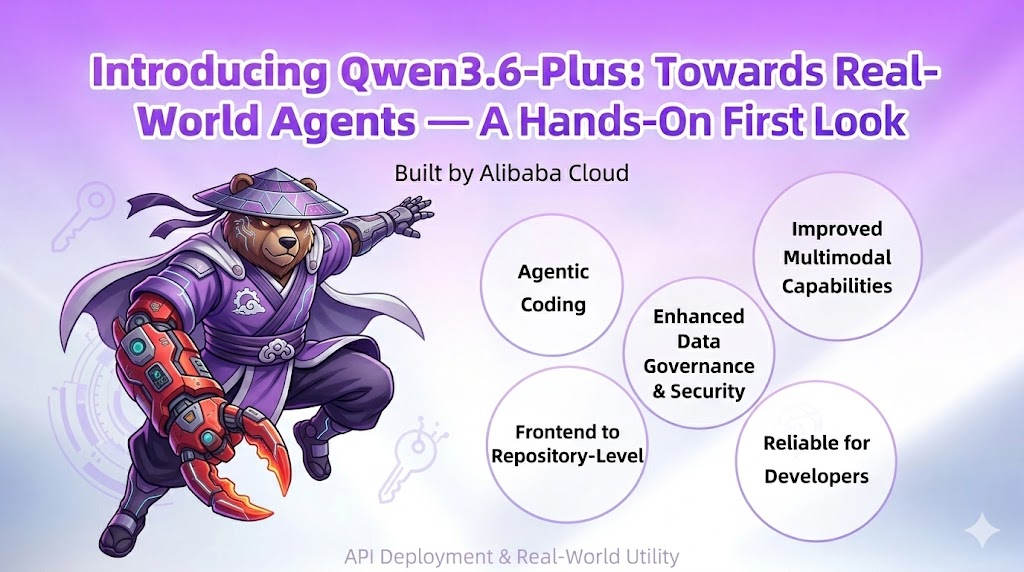
Introducing Qwen3.6-Plus: Towards Real-World Agents — A Hands-On First Look
Alibaba Cloud just announced Qwen3.6-Plus—a major upgrade to its hosted AI model lineup—with a clear mission: moving AI from answering prompts to executing real-world workflows. Available immediately via API through Model Studio, this release emphas...
Read More
Beyond Brand Loyalty: How Everyday Users Are Navigating the AI Tool Maze (And What 4 Distinct Personas Reveal About Your Own Workflow)
Based on an informal survey of adult educators, this article unpacks how professionals in Singapore are choosing—and combining—AI tools to boost productivity, and why understanding your own "AI persona" might be the key to working smarter, not harder...
Read More
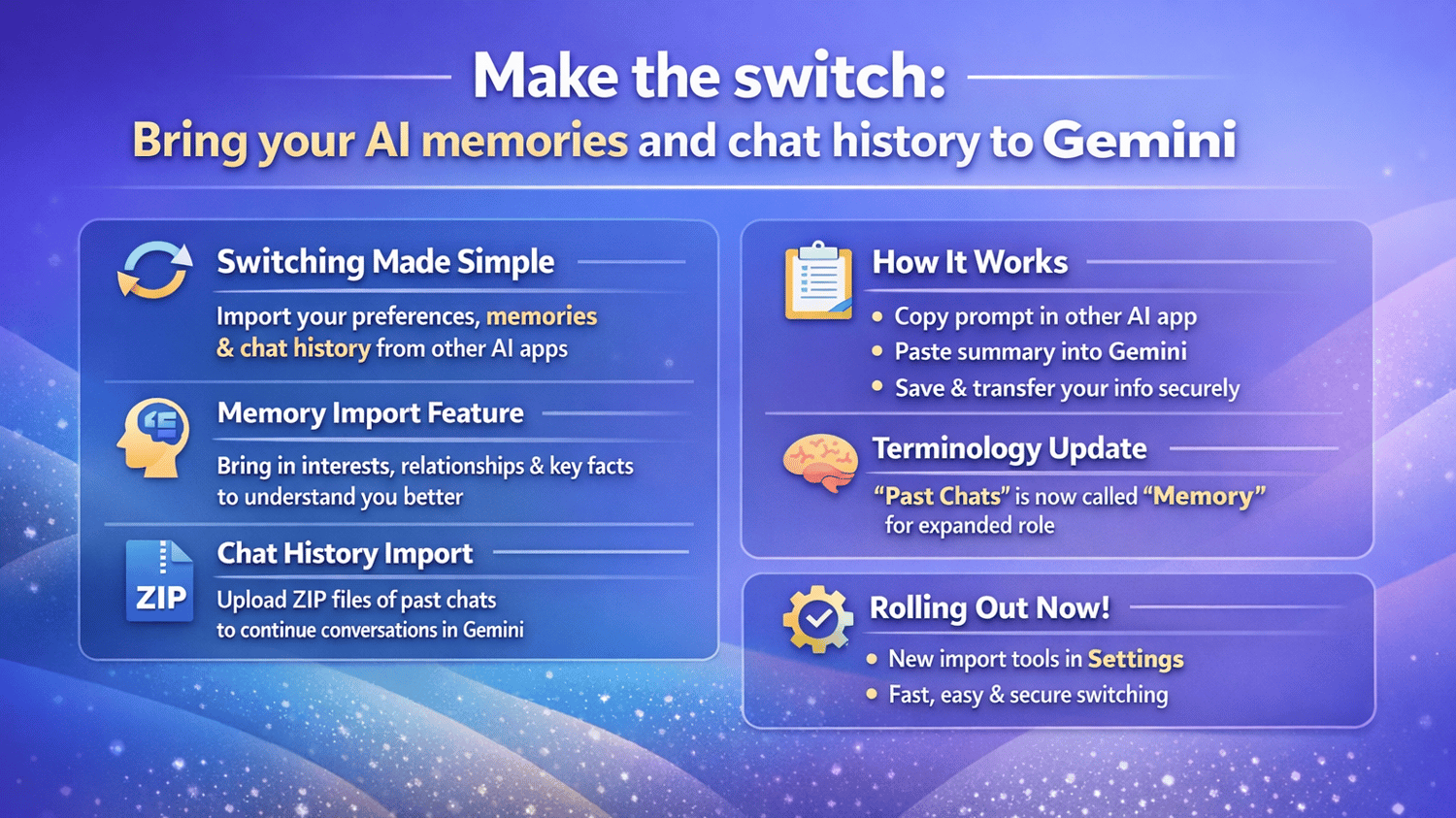
Switching AI Assistants Isn't One-Size-Fits-All—Especially in the Classroom
News update: Google recently announced new features for the Gemini app that make it easier for users to switch from other AI assistants. The update introduces the ability to import AI memories and upload chat history from other platforms, allowing u...
Read More
Claude Can Now Actually Use Your Computer
Anthropic just dropped something that feels a little sci-fi: Claude can now control your computer. Like, actually move your cursor, click buttons, open files, navigate your browser—on its own. The announcement came straight from their blog (claude.c...
Read More
Why Sora's Shutdown Was a Warning, Not Just a Whimper
OpenAI's decision to shut down the Sora consumer app just months after its hyped launch isn't just another tech footnote—it's a case study in what happens when breakthrough creative tools overlook the human boundaries that matter most to users. I'll...
Read More
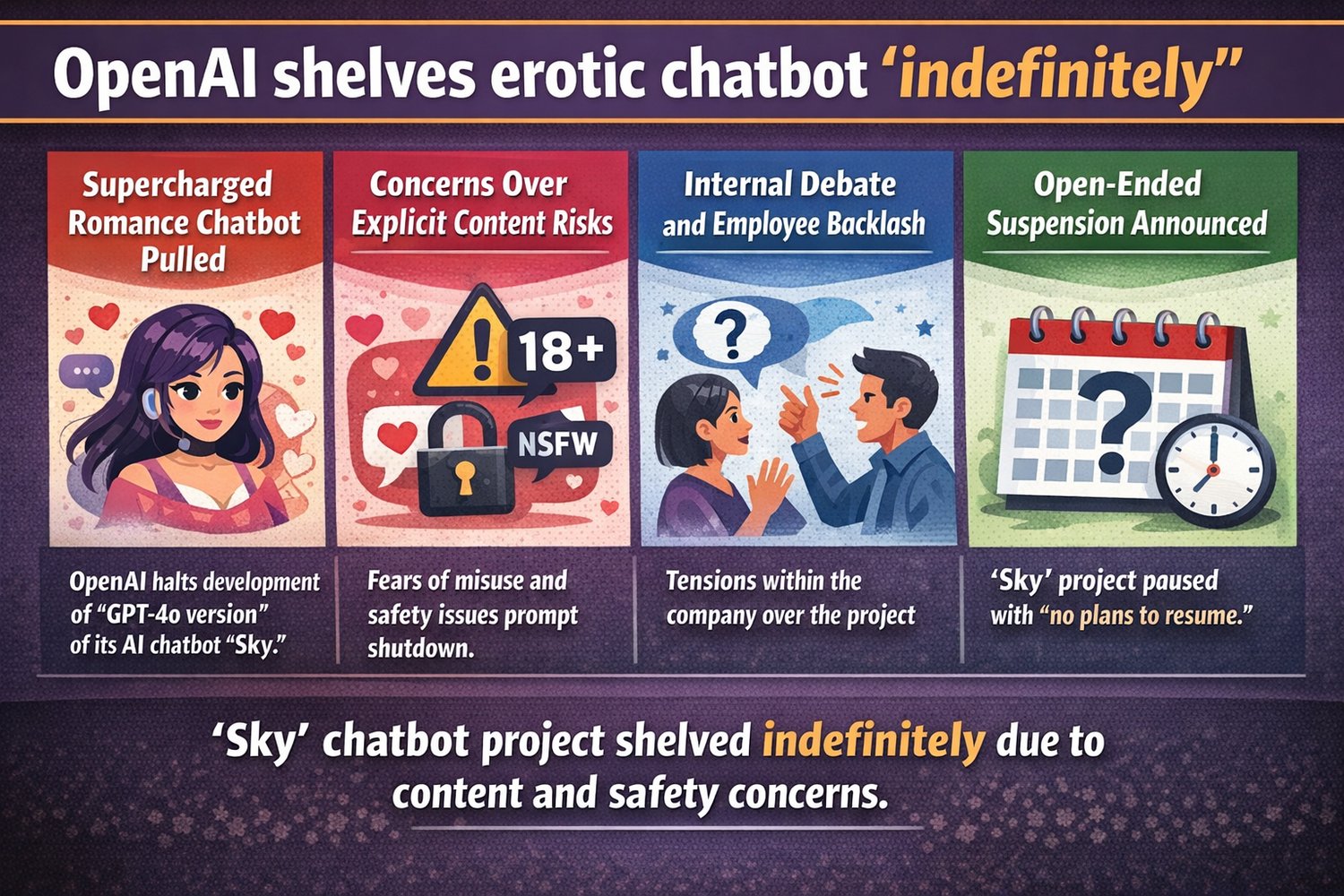
When AI Crosses the Line: Why OpenAI's Shelved "Adult Mode" Matters More Than You Think
The headlines: OpenAI shelves erotic chatbot "indefinitely." On the surface, it reads like another corporate pivot. But dig deeper, and this story touches on something far more consequential: the ethical tightrope tech companies walk when developing...
Read More
Why Suno v5.5 Feels Like the Start of a Personal Music Revolution (Not Just Another AI Update)
If you've scrolled through music tech news lately, you've probably seen the buzz: Suno v5.5 is here, and it's not just tweaking knobs—it's redefining what "your sound" can mean. With features like voice cloning, custom models, and taste-based person...
Read More
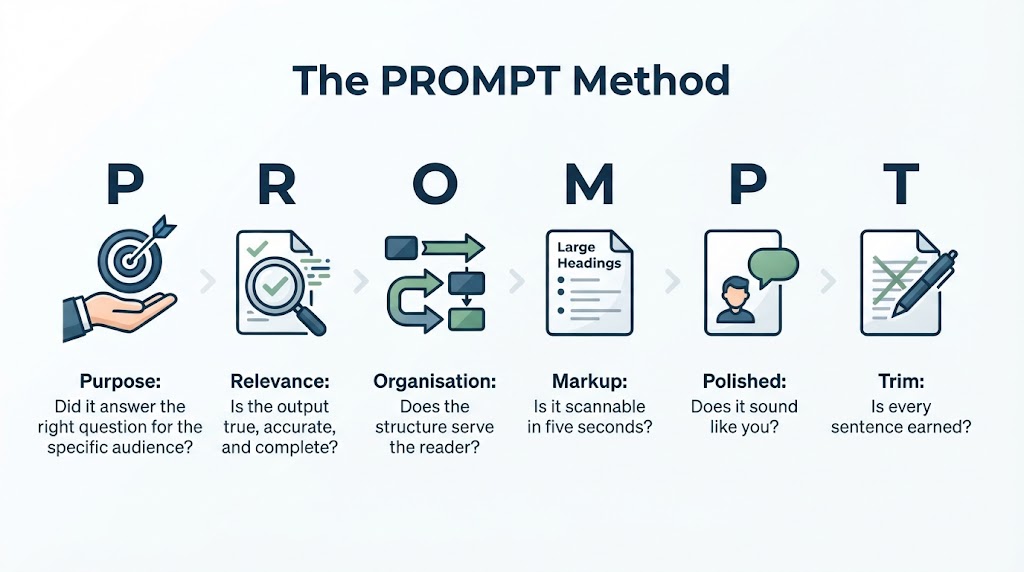
Getting the Best out of AI Chatbots: The PROMPT Framework
We've all been there. You sit down with a fresh cup of coffee, fire up your favorite AI chatbot, and type in a detailed request for a blog post, an email, or a strategy document. The response pops up almost instantly. It's grammatically pe...
Read More
WordPress Unleashes AI Agents That Can Actually Do Things—Here's What It Means for Your Workflow
WordPress.com has officially expanded its AI Model Context Protocol (MCP) integration to include write capabilities, transforming AI agents like Claude, ChatGPT, and Cursor from passive readers of your site data into active collaborators that can dr...
Read More
Waiting on the Sidelines: Why Google's Personal Intelligence Expansion Has Me Hooked (But Still Waiting)
Google is expanding its Personal Intelligence feature across Search, Gemini, and Chrome in the U.S., allowing AI to pull context from your connected Google apps to deliver hyper-personalized assistance—while keeping you in control of your privacy. I...
Read More
Why Gamma's New Trinity of Updates Changes Everything for Brand-Conscious Creators
Let's be real for a second: we've all been there. You have a brilliant idea, a clear message, and a deadline breathing down your neck. You open your presentation tool, then your design app, then your AI chatbot, then your brand guidelines PDF, and s...
Read More
The Illusion of Safety: Why AI Monitoring Won’t Save Us From Ourselves
OpenAI recently pulled back the curtain on how they monitor their internal coding agents, revealing a sophisticated system designed to catch deception, restriction-bypassing, and other forms of misalignment before they cause damage. On the surface, ...
Read More